i built a grammarly for 2026 (with no AI watermarks)
have you heard of ai watermarks for text that every llm operator should implement for european users? it’s under article 50 of the eu ai act that kicked in on august 2, 2026, and anthropic already started rolling it out in claude. and since it's baked directly into token generation, it actually hits worldwide across the web app and api, not just inside europe.
other major labs like google, openai, and mistral signed the transparency code too, so everyone else is following right behind. this is one of the problems that my hobby vibe-coded project will help resolve.
an ai watermark needs several sentences of text or several paragraphs at least.
for me personally rewriting text with ai is pure pain — it just gives you a completely new text with many things i don’t want. worse, if you ask a chatbot to rewrite a draft, the generated response easily clears 200 tokens and gets watermarked as ai, even though the core writing was originally yours. watermarking tech like synthid usually needs at least 200–250 continuous tokens before the detector can reliably pick up the signal. that's why the eu code of practice under article 50 set an official 200-token threshold (about 150 words) exempting short texts.
so i made a tool that won’t mark your text with an ai watermark because most of the changes are small. article 50(2) itself actually exempts assistive functions for standard editing as long as it doesn't substantially alter your text. the eu commission's guidelines explicitly list spell checking, grammar fixes, and minor stylistic polishing as covered by this exemption. why are they small? because it’s step by step and you are in control of every change
1. it fixes grammar mistakes or misspellings. this applies automatically you don’t need to do anything. you can just undo them
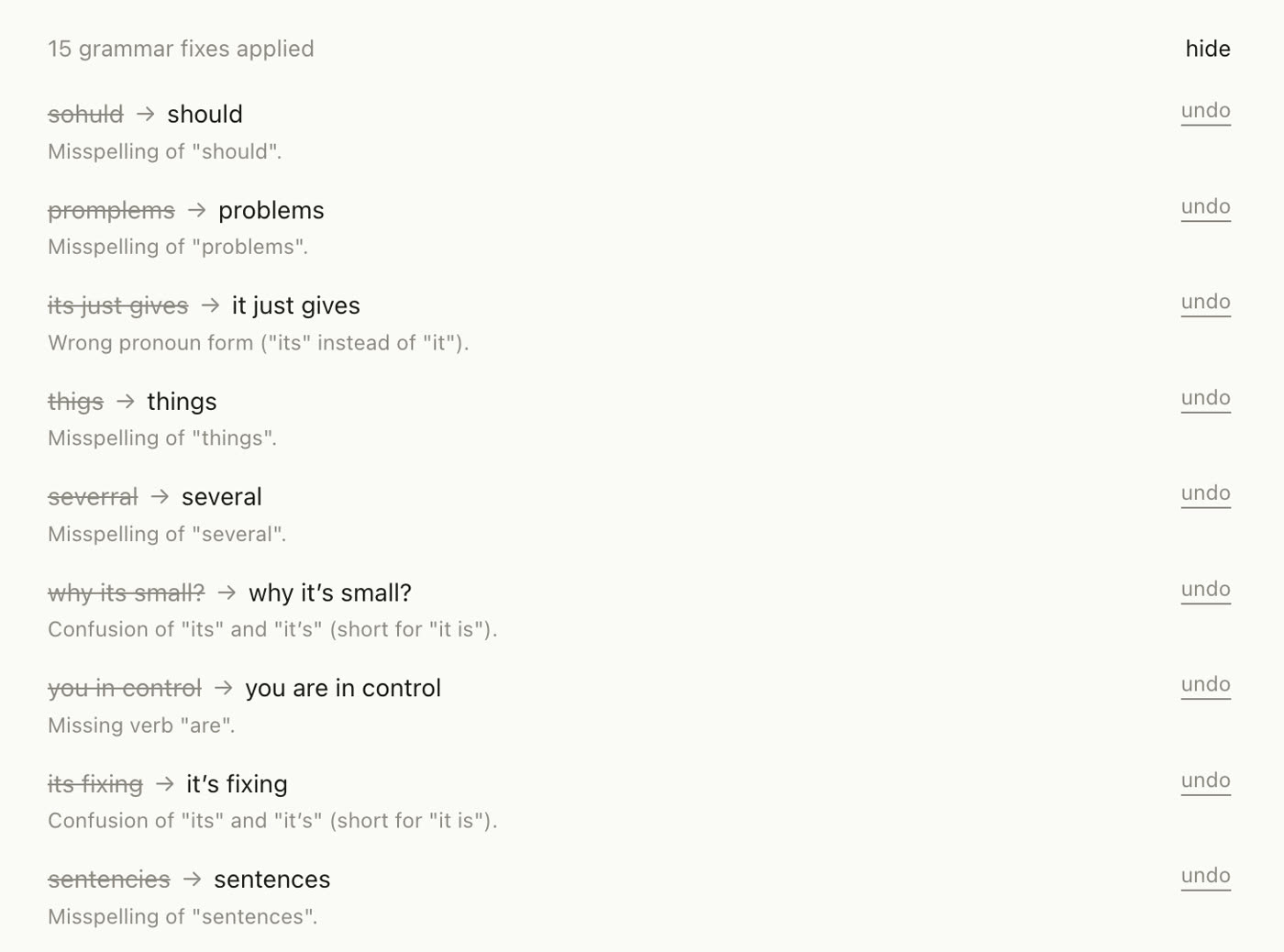
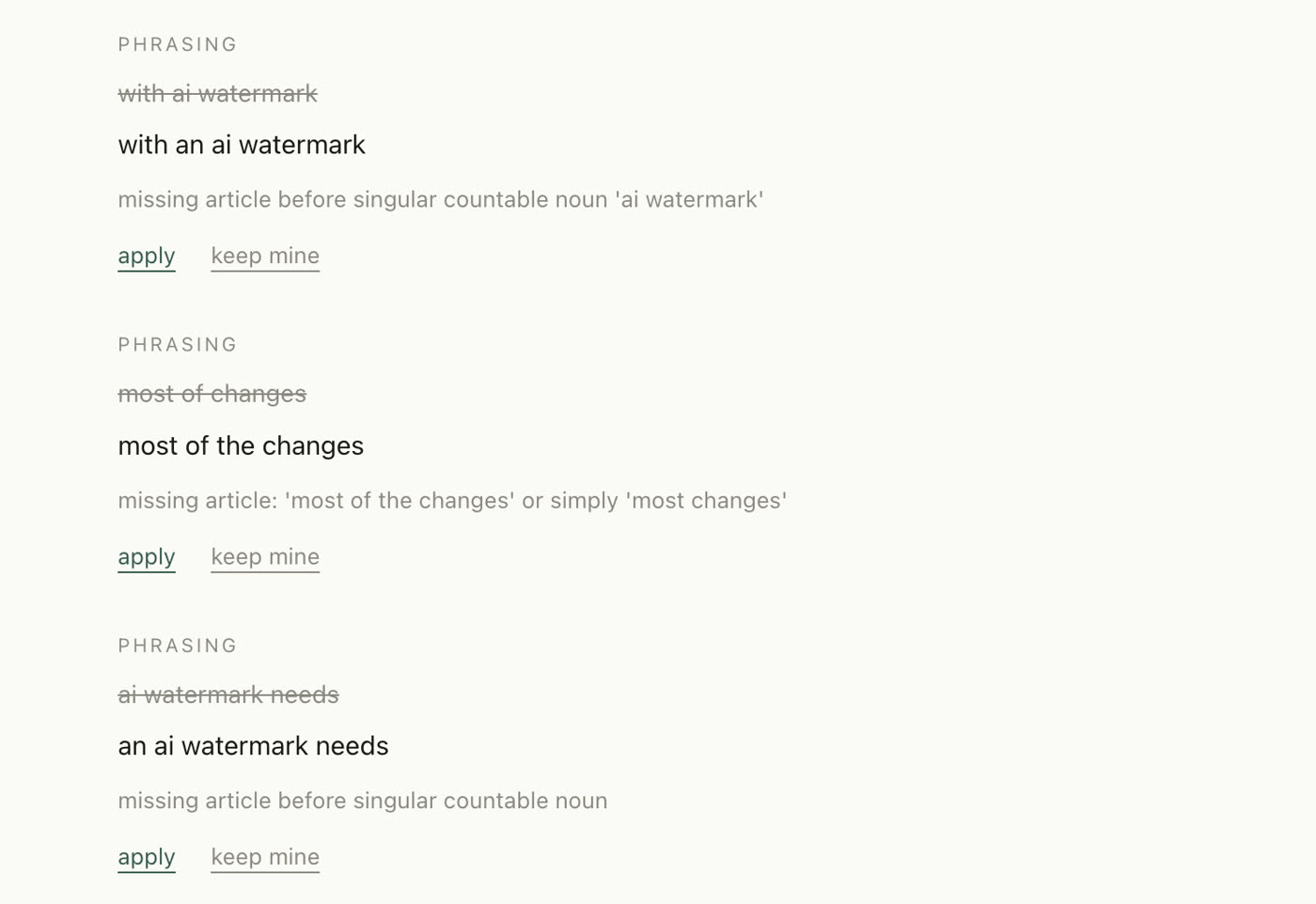
2. then it checks grammar on a deeper level — sentences, word order, sentence length, etc. you apply those changes manually so you see your mistakes and sometimes you make them on purpose
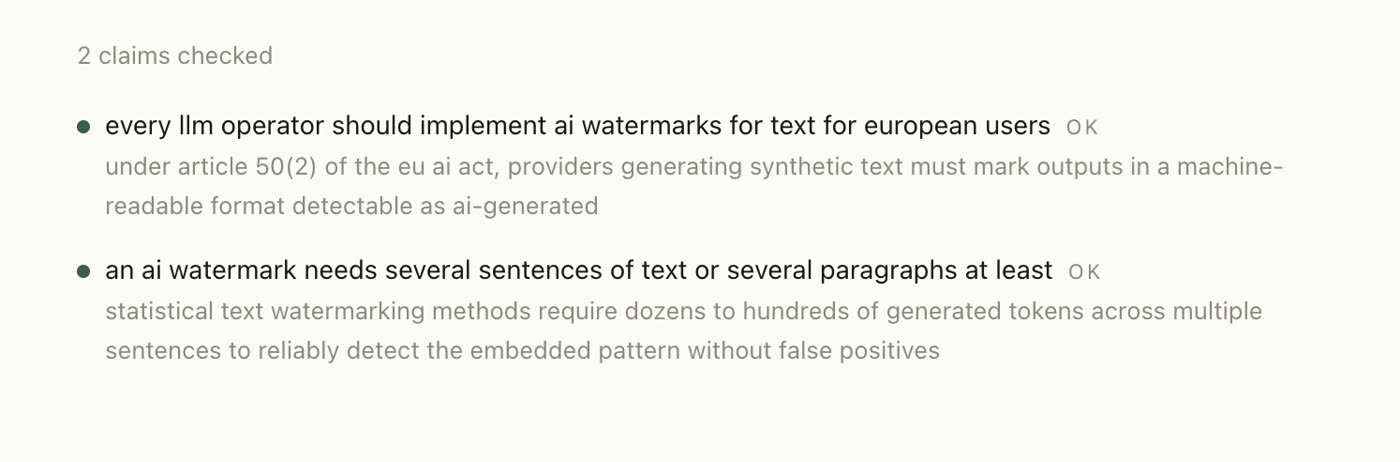
3. then fact checking — you can calculate something in the text or refer to some statistics that are available on the internet. so i made it ground itself with web searches and fact-check everything in your text. manual mode.
4. enriching your text. sometimes you think that what you know, everybody knows but it’s not obvious — in this case there is an enrich button. it gives you short snippets that could be incorporated into your text and make your text more reliable.
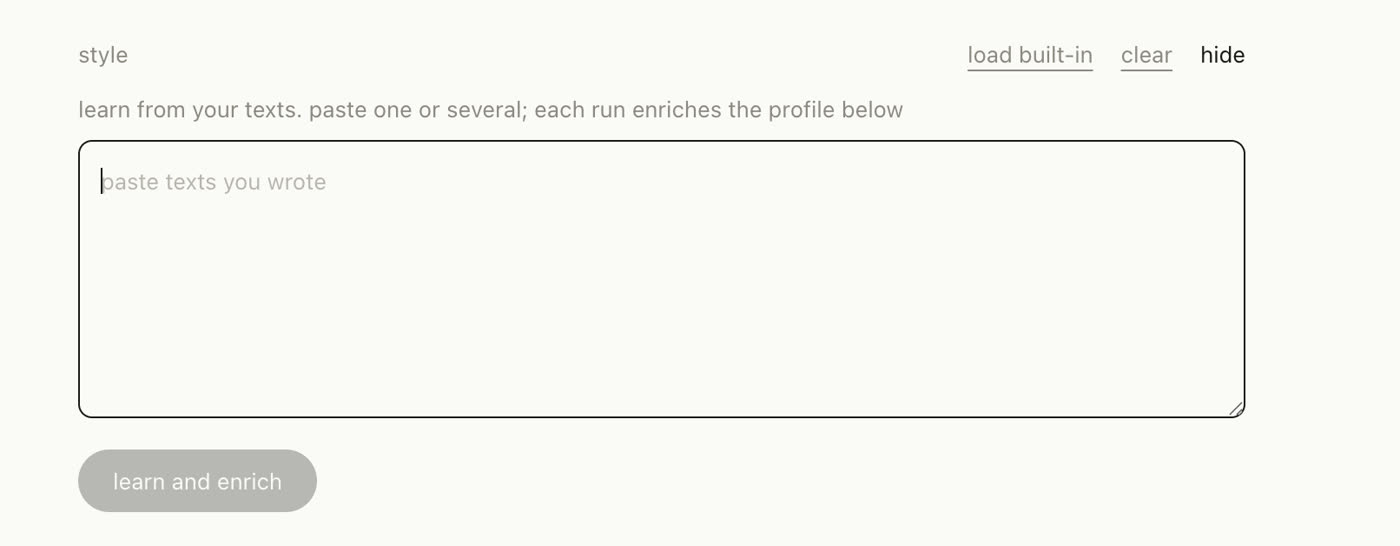
5. following your style — it just needs a few samples of your text pasted into the style section. then press 'learn and enrich' and it makes a system prompt with your style
i made it free let’s see how helpful it will be for you guys.
cheers
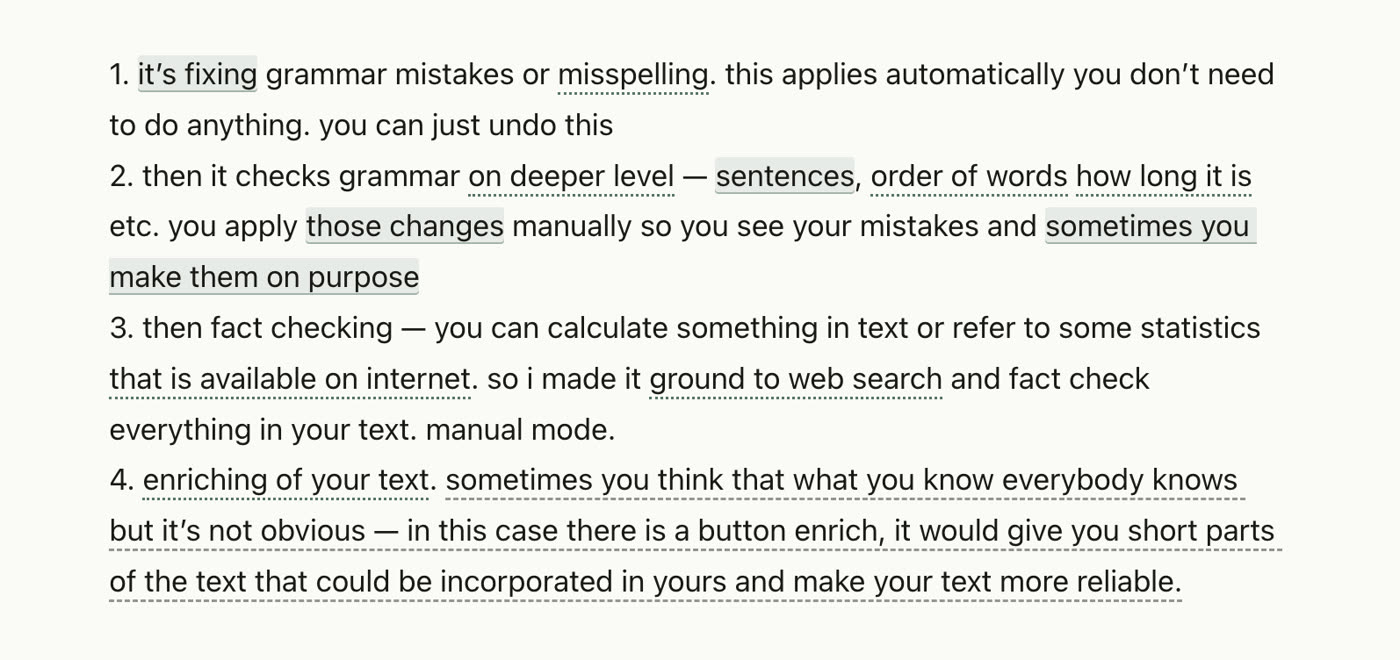
(this text was edited with this tool too)